MCP connector for FileMaker Server
Ask your FileMaker data anything.
Ailimu turns a FileMaker solution into clear tools that Claude, or any MCP client, can call. Skip the layouts and exports and just ask. It runs on your server, starts read-only, and sets up in about ten minutes.
docker pull ailimu/ailimu
Five trade customers are overdue, owing £28,940 between them. Greystone Hardware owes the most.
| Greystone Hardware | 3 invoices | £9,214 |
| Copperfield Kitchens | 2 invoices | £7,480 |
| Rowan Catering | 2 invoices | £5,105 |
| Kestrel Marine | 1 invoice | £4,012 |
| Saltmarsh Brewing | 1 invoice | £3,129 |
A scripted example with an invented business. Every name and figure is made up.
What the agent gets
Your schema becomes tools shaped around real questions.
Hand an agent a raw connection and it has to guess which of four copies of a table is the real one, what zz_PrintFlag is for, and whether an empty column matters. Ailimu settles those questions during setup, with you checking its work.
- OrderIDkey
- _CustomerIDlink
- OrderDatedate
- Status5 values
- OldRefNumbernever filled in
- zz_PrintFlagscaffolding
- zs_TotalValuesummary
- zs_OrderCountsummary
- ModificationTimestampautomatic
- Totalamount
and 8 more
Search orders (18,430 rows). Dated transactions, linked to customers, sales reps and warehouses. Order number is SO- followed by five digits. Dates accept >=2026-01-01 or 2026-01-01..2026-03-31.
order_datedate, ranges and comparisonsstatusDraft, Confirmed, Shipped, Invoiced or Cancelledcustomer_idresolves with get_customerstotalnumber, ranges and comparisonsDescriptions come from the field comments already in your file. Every table also gets get_ and describe_.
Why Ailimu
Set up in minutes, and stay in control.
Reads your schema for you
Ailimu reads your real schema: types, keys, relationships, row counts and field comments. It sorts tables into core records, transactions, lookups and logs, and suggests where to start. Nobody writes a tool definition.
Safe by default
- Read-only until you switch it off. While it is on, no update or script tool exists.
- You choose each field: returned, searchable, or invisible.
- It signs in as an account you create, so your privilege sets stay in charge.
- Every write and script call is logged.
Built for real FileMaker files
- Tables from the data file, scripts from the interface file, on one endpoint.
- Duplicate table occurrences collapse to one set of tools.
- Several files at once, each with its own address and token.
- Re-read the schema and every choice you made is kept.
The setup wizard
Four steps in your browser, from file to live tools.
Shown here with a demo file for an invented wholesaler, Harbour & Finch.
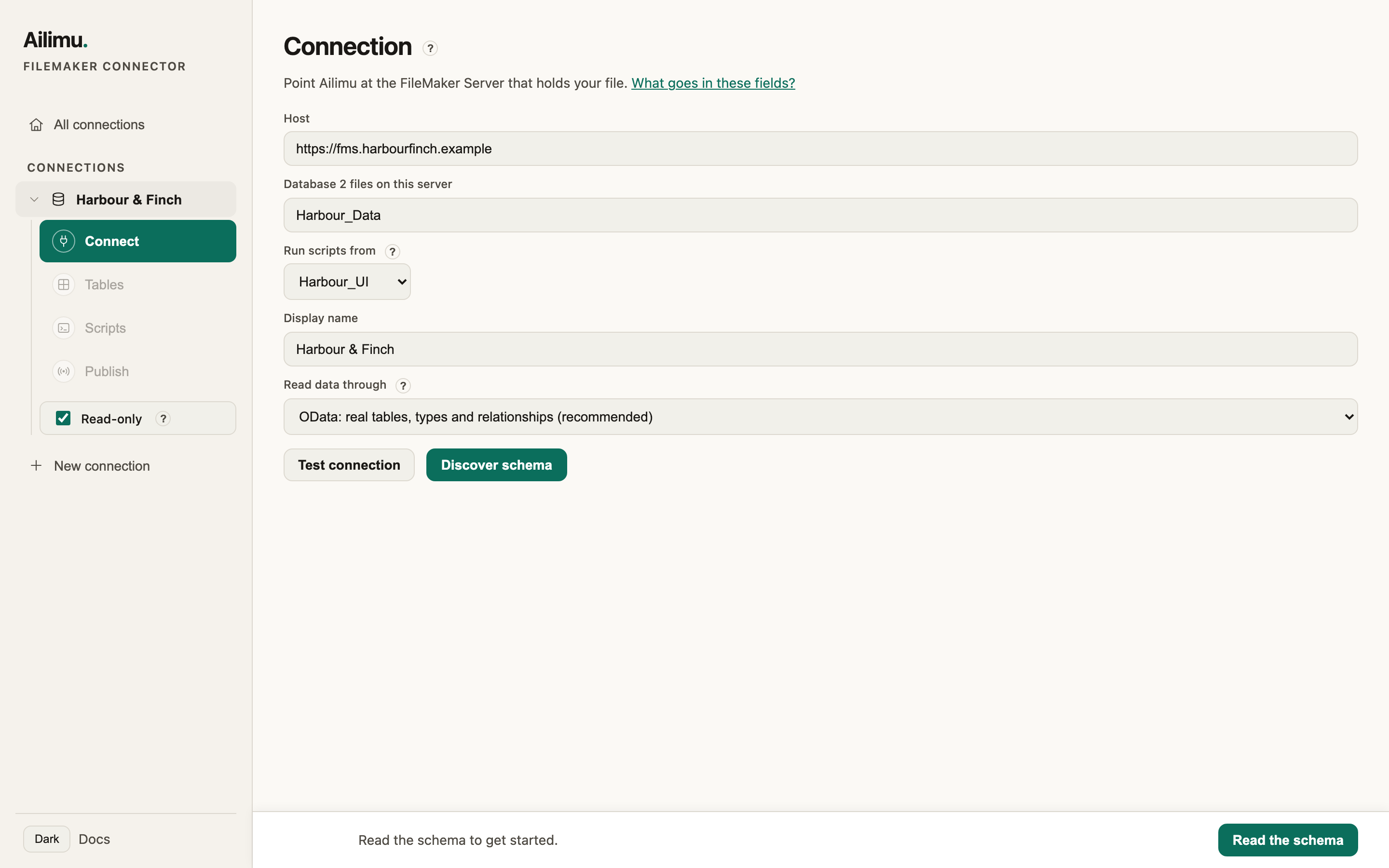
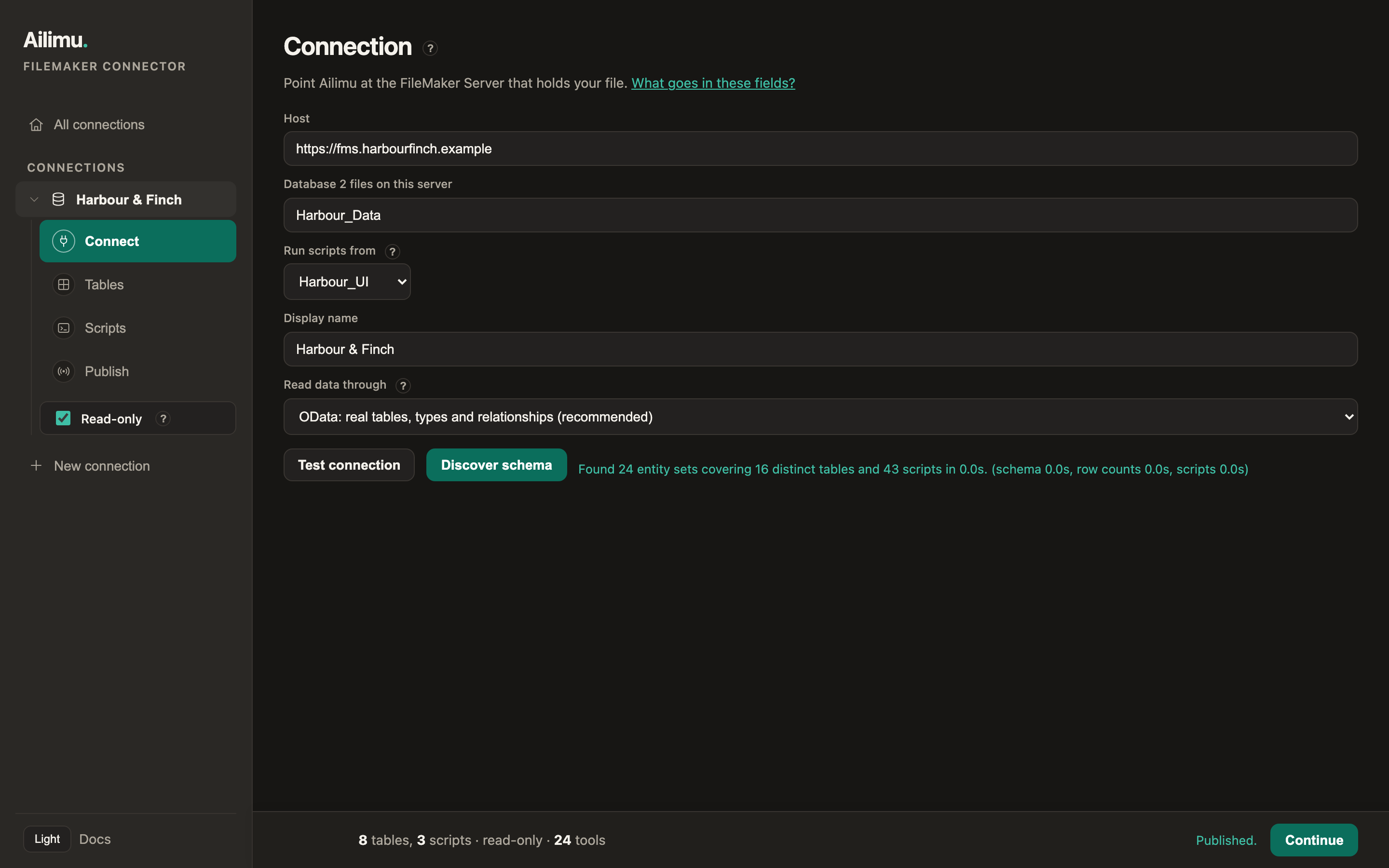
Connect
Point it at your server and pick the file. Tables can come from one file and scripts from another.
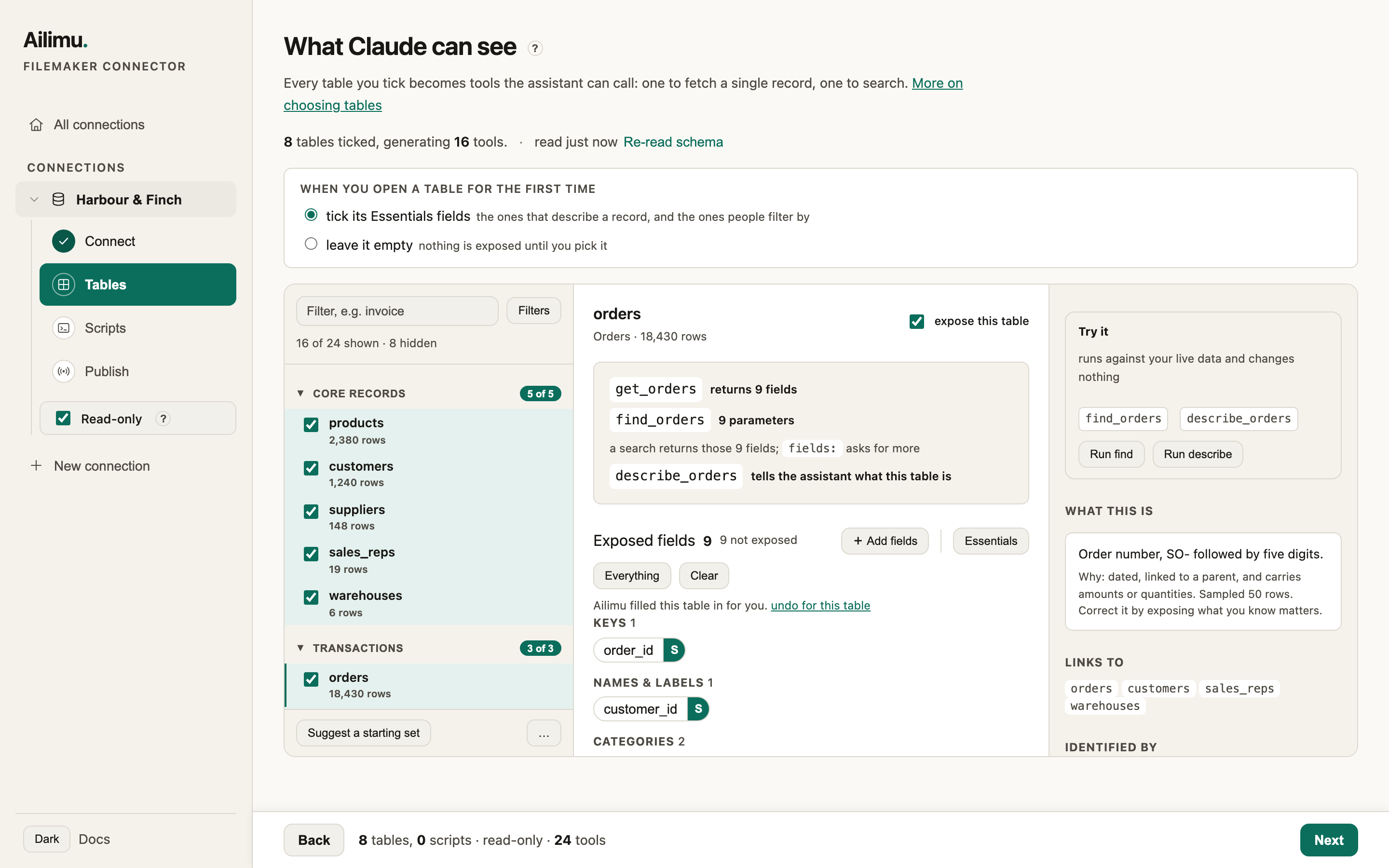
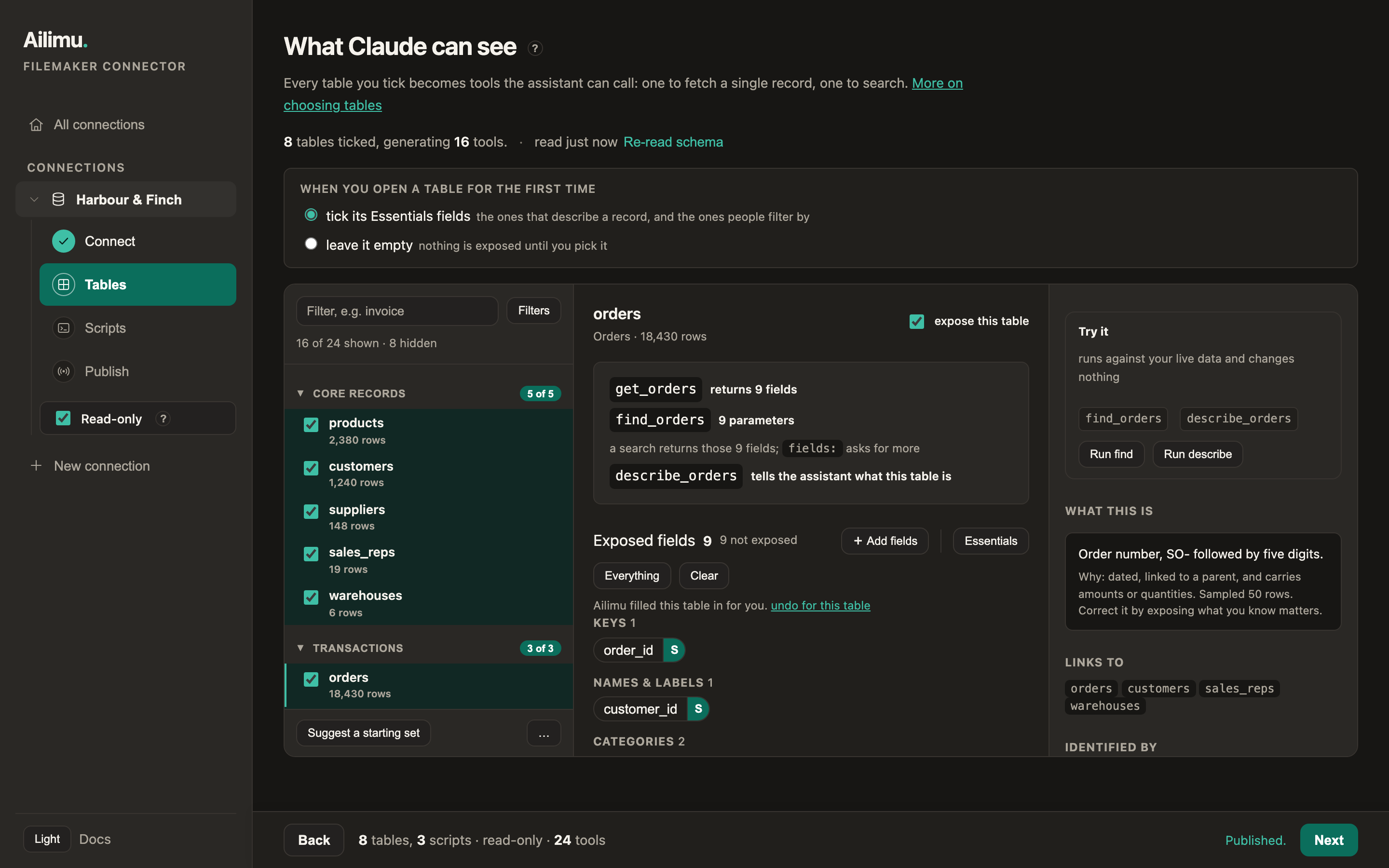
Tables
Tick the tables people ask about. Each becomes get, find and describe tools, and you choose which fields each one returns and searches.
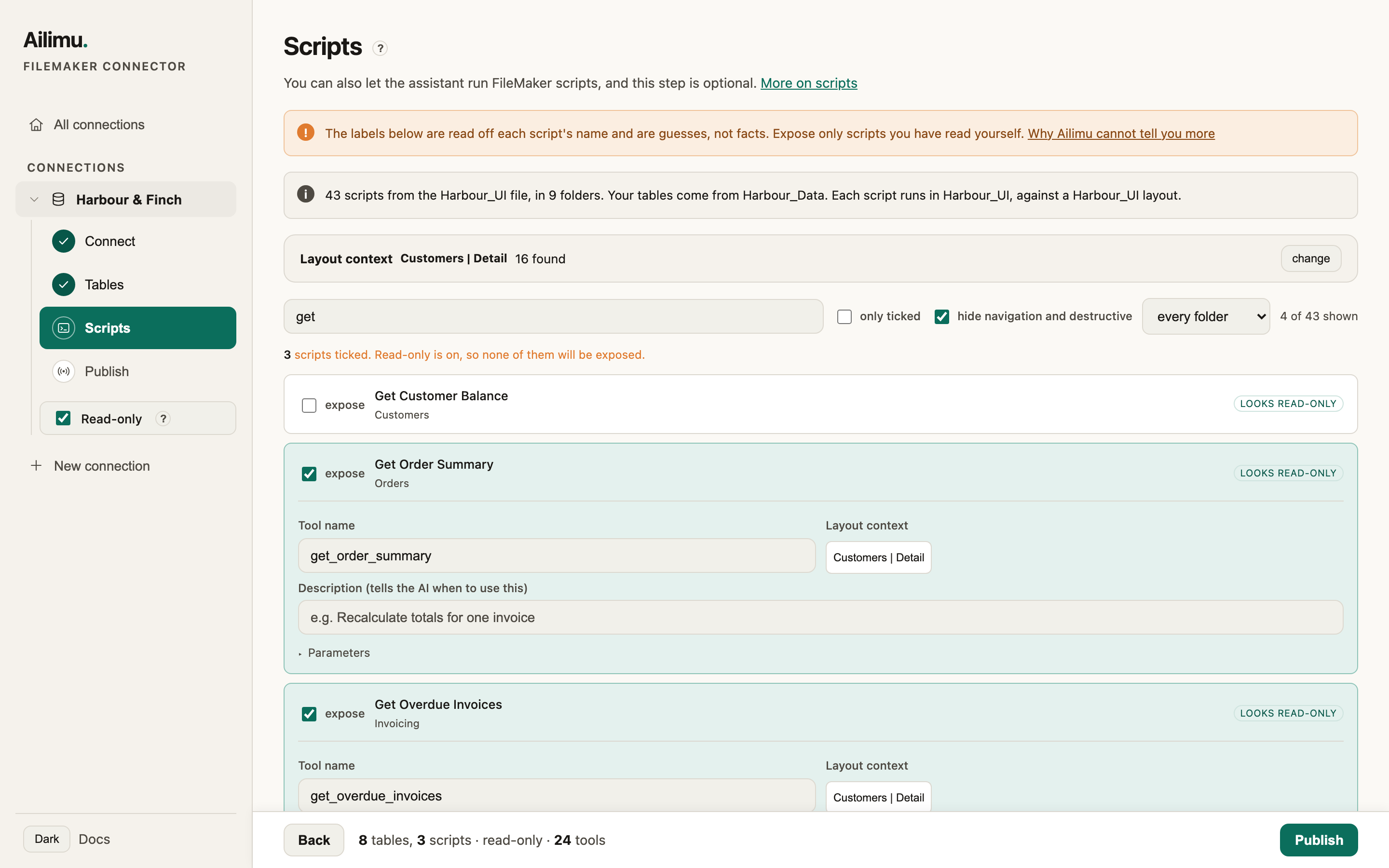
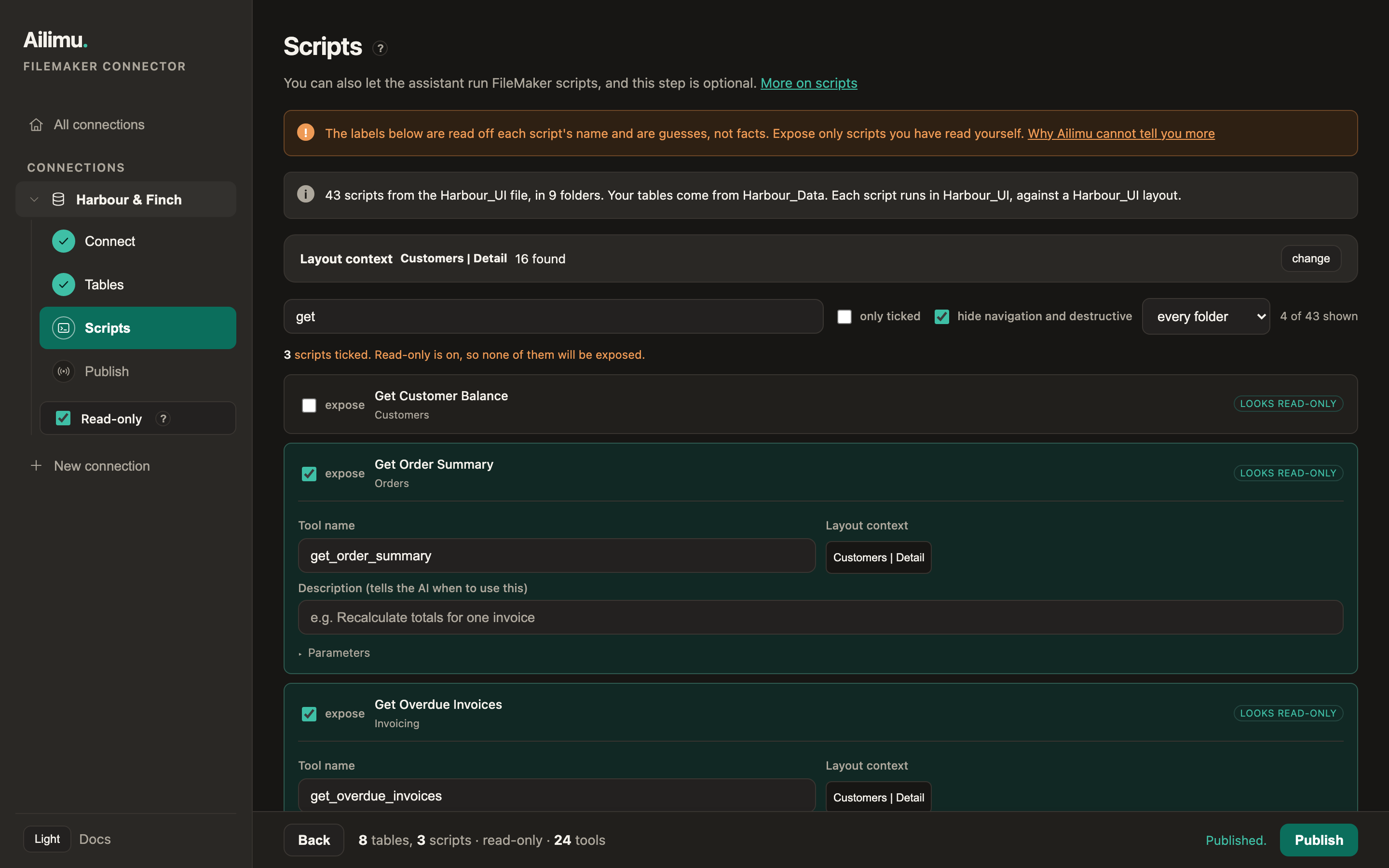
Scripts
Optionally expose FileMaker scripts as tools. Ailimu labels each one from its name and asks for the layout it runs against.
Publish
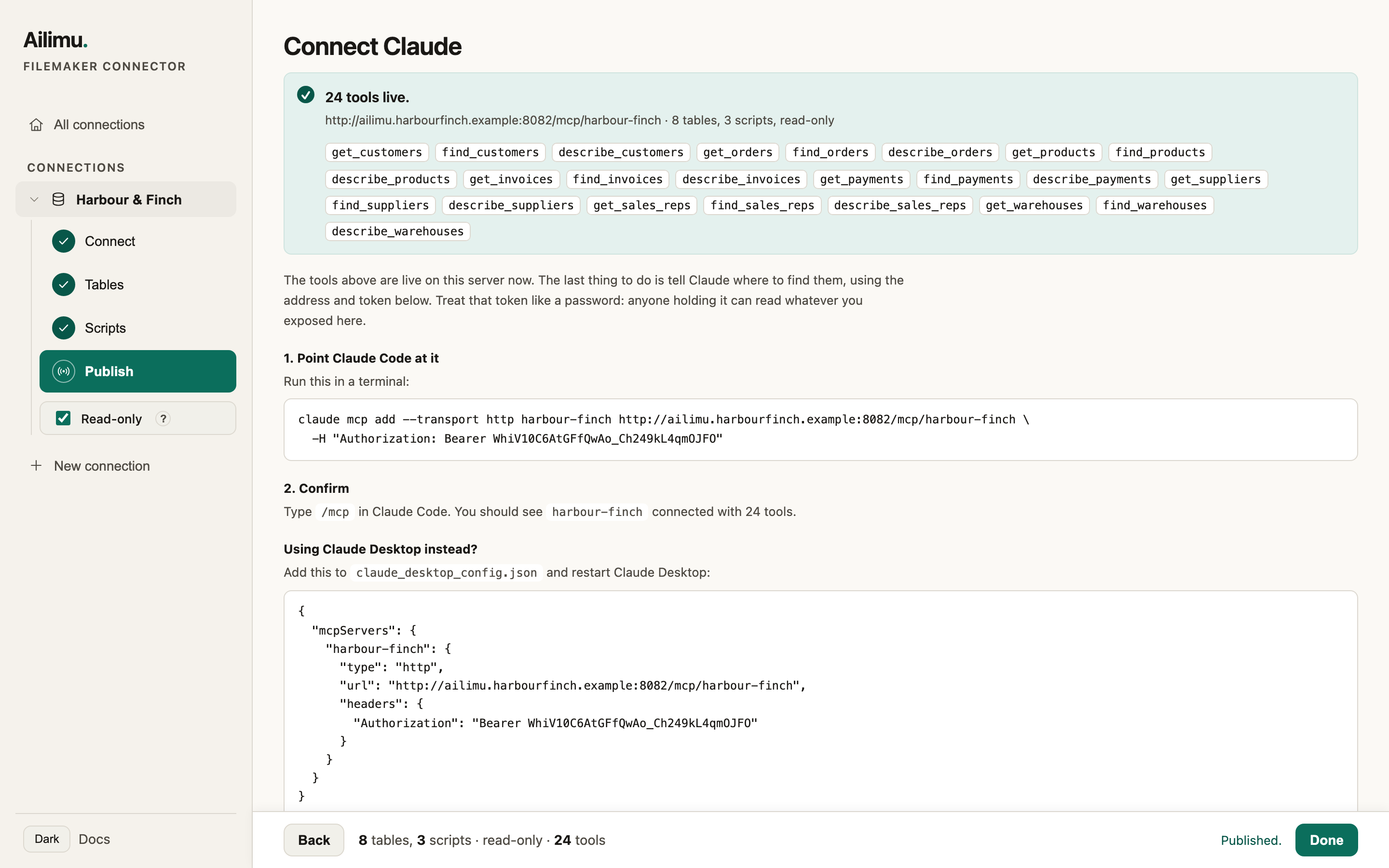
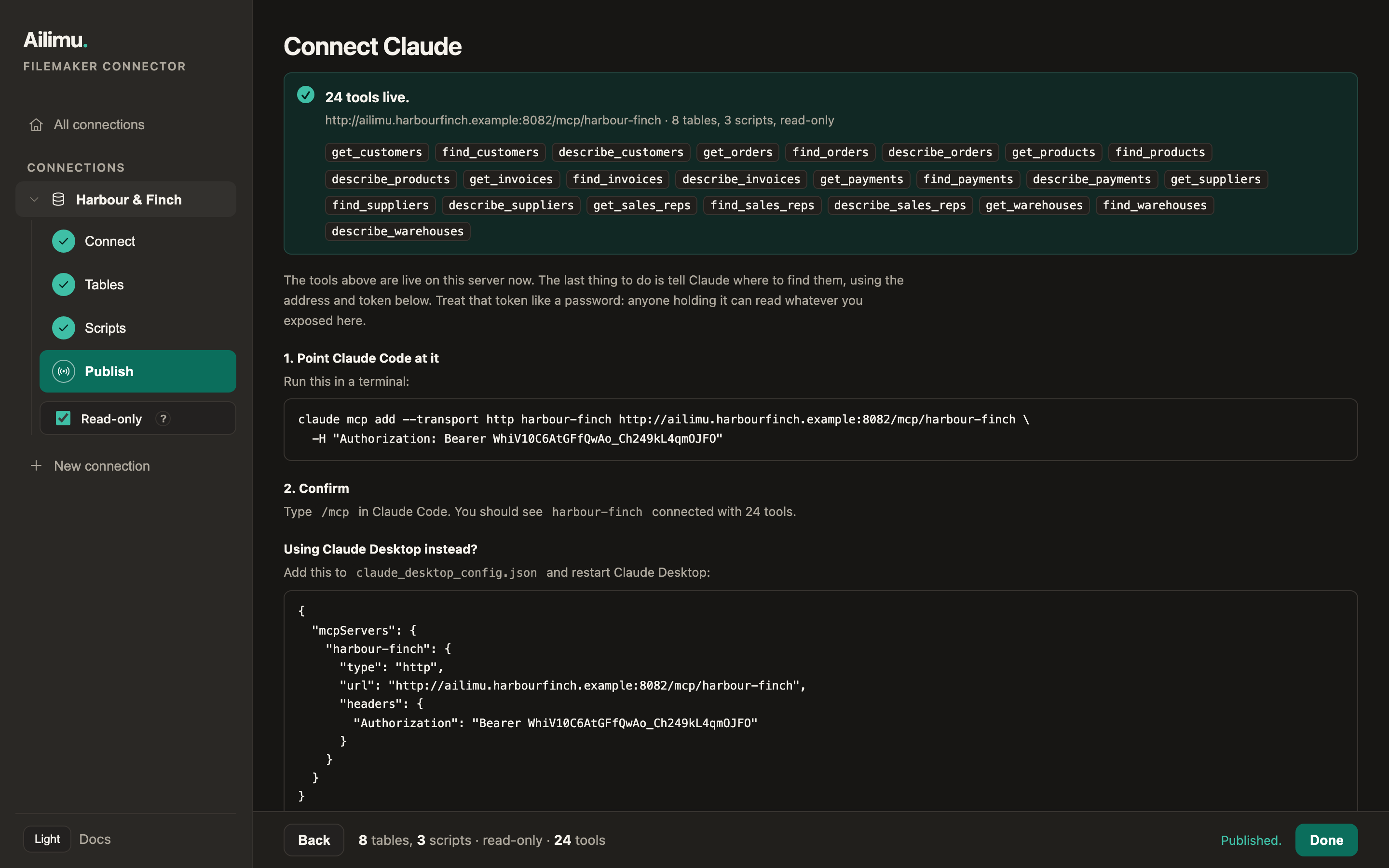
Publish, and copy one command into Claude Code or one block into Claude Desktop. Tools are live straight away, with no restart.
Self-hosted
See exactly what leaves your network.
Ailimu is one container you run on your own server, next to FileMaker. Your password, your settings and the audit log live there, and nothing is copied out. An agent can only answer by reading data, so the rows a tool returns go to the model when it asks, and nothing else does.
Never leaves your server
- Your FileMaker credentials. Read from the environment, never written to config, never sent to a browser.
- Anything you did not expose. It is not in any tool, so it cannot be asked for.
- The database as a whole. Nothing is synced, mirrored or indexed. Every call reads FileMaker live.
- Container fields. Excluded from every tool.
Sent to the model when a tool is called
- The rows that tool returned, limited to the fields you marked readable.
- Tool names and descriptions, so the agent knows what it may ask for.
If your data may not reach a third-party model at all, no connector of this kind is right for you. That is a decision about the model, and it is worth making before you install anything. The full answer is in the docs.
- Create a FileMaker account for AilimuA restricted privilege set with
fmodata, plusfmrestif you want scripts. - Run the containerOne image, one volume, two environment variables. It prints its setup link on first start.
- Pick tables and fieldsThe wizard suggests a starting set. Adjust it and try each tool against live data.
- Publish and connectPaste one command into Claude Code, or one block into Claude Desktop.